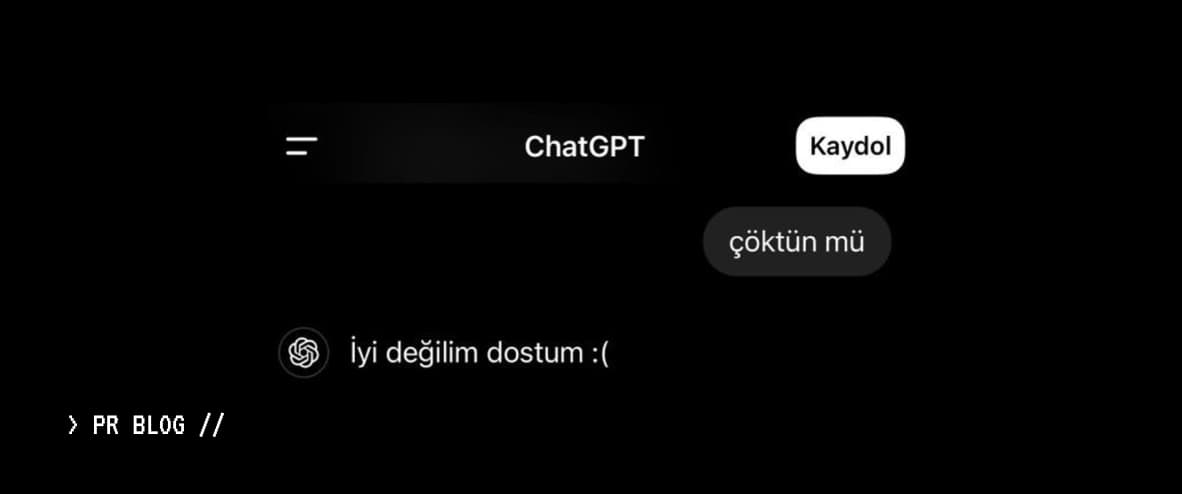
Many users recently report encountering the "not responding" error while using ChatGPT.
What is the Error?
This error occurs when ChatGPT fails to generate a response to a user message or when the response gets stuck loading on screen.
Causes
- Server Overload: Servers can become overwhelmed during peak hours
- Internet Connection: Weak or unstable connections can cause issues
- Browser Issues: Old versions or conflicting extensions
- Session and Cookie Errors: Long-running sessions
How to Fix It
- Refresh the page and try again
- Check your internet connection
- Clear browser cache
- Try a different browser or device
- Log out and log back in
When Is It Not User-Caused?
If the issue persists after all these steps, it's likely a system or server-side error. Waiting briefly and trying again is the healthiest solution.